Single installation
-
Open Excel
-
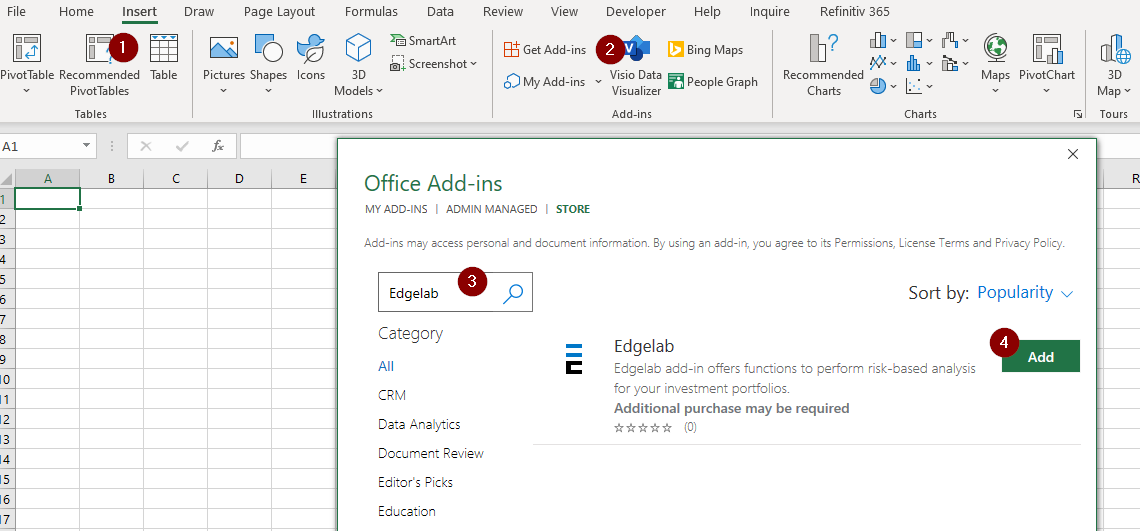
Select Insert (1) > Get Add-ins (2).
-
Type Edgelab in the search bar (3).
-
Select Add (4).
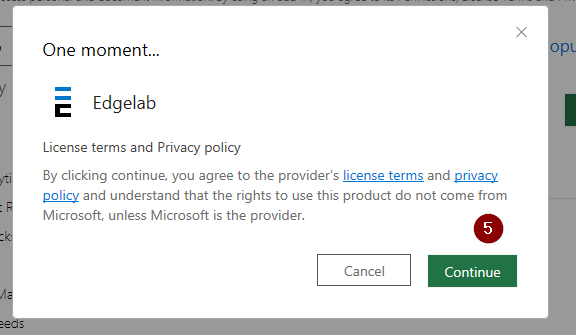
- Select Continue (5).
-
Once the add-in is installed, go to Edgelab and set up your API key.
-
Excel might also ask you several times if you trust the addin:
