Google sheet installation
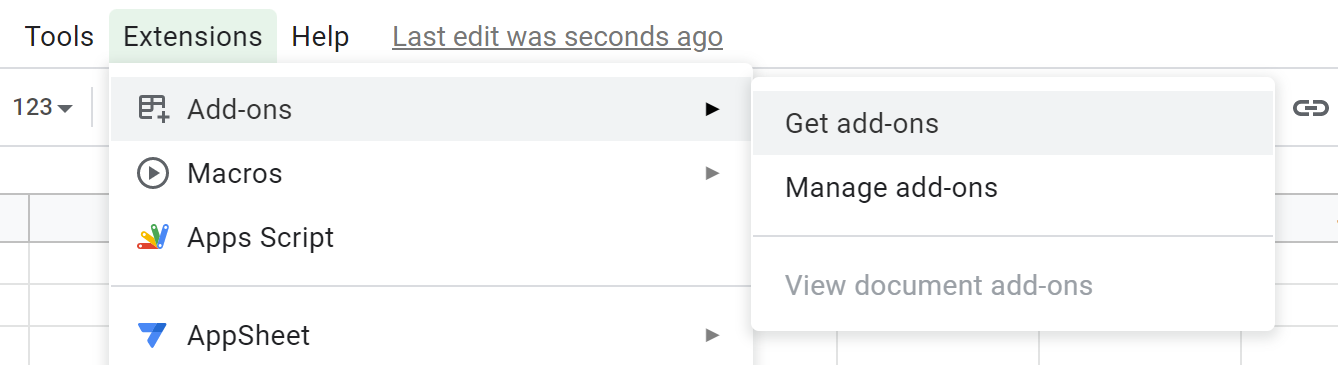
- Select Extensions > Add-ons > Get add-ons
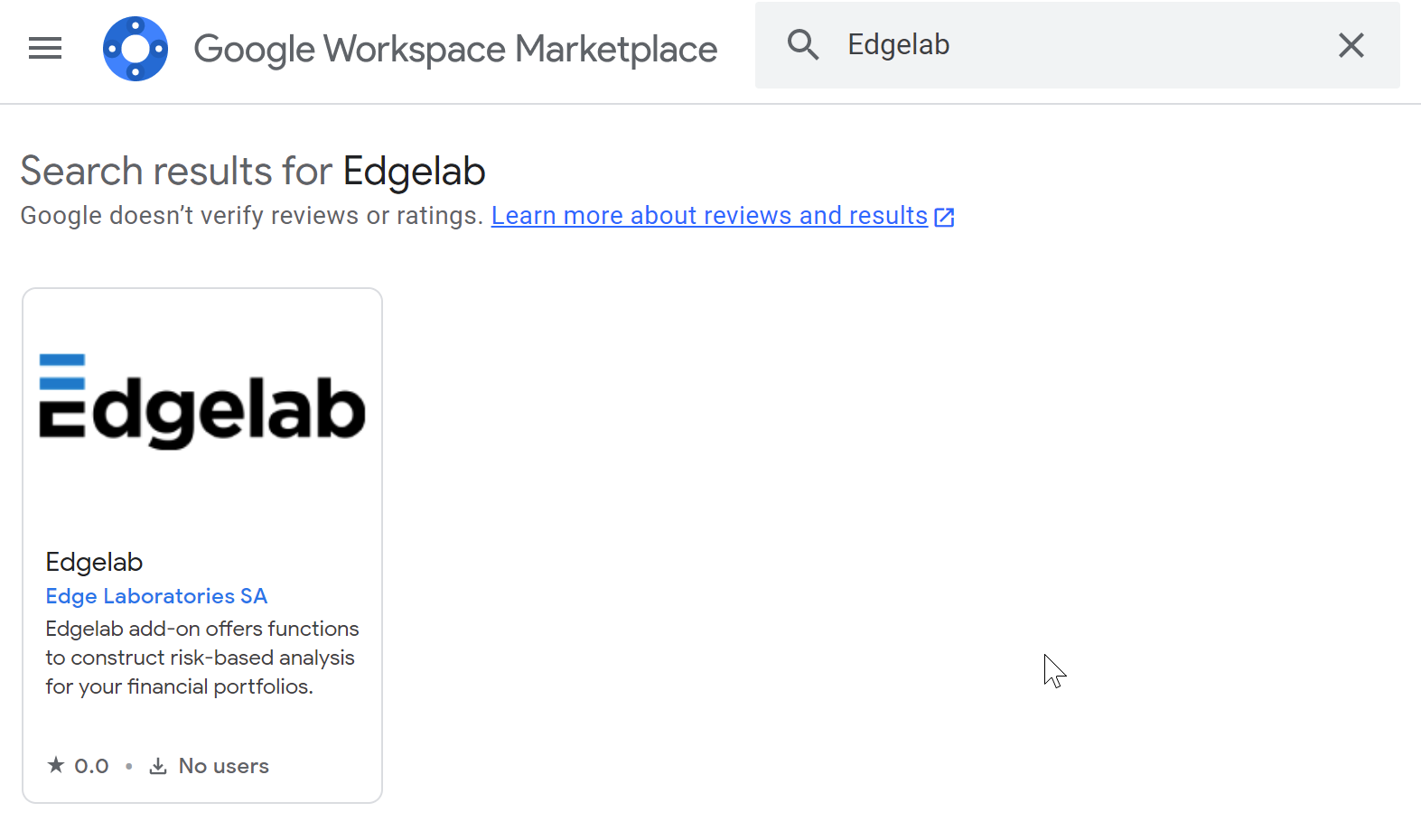
- Type Edgelab in the search box and select Edgelab addon
-
Select Install and then Continue
-
Log in with your Google Sheet account and choose Allow
-
Set up your credentials:
- API key: select Extensions > Edgelab > Configuration > API Key… (refresh document if you don’t see this option in the menu)